Create and share 360° tours with Keypano
- Create tours from 360 cameras or 3D renders
- Add hotspots, floor plans, and branding controls
- Share free by link or QR code; embed with PRO
- Works on desktop, mobile, and VR headsets
New to Keypano? Follow the creation guides · Explore the editor workflow · Compare Free and PRO

All panoramic images supported!
Whether you shoot with a 360 camera such as Ricoh Theta, Labpano or Insta360, or render your images with 3D software - they can all be uploaded and shared on Keypano.
You can upload 200 panoramic images in a VR tour for free!
Keypano can be used in real estate, architecture, construction, photography, art galleries, education and more. Browse public examples on our Explore page to see what you can build.
Easy use interface
Powerful editing features.
Browse settings: Access distance, auto-rotate settings (on/off, speed, direction)
Scene editing: Group, sort, rename, add, delete, or replace elements.
Author info: Customize with name, avatar, logo, contact details, and work introduction.
Hotspot editing: Click hotspots to explore, display text, images, videos, or navigate to new links.
Light & shadow: Adjust brightness, contrast, exposure, and sharpness in real-time.
Discover more editing features!


Simple & Versatile Sharing Options,
Embeddable to Your Website
Multiple sharing options: Share via URL links, QR code, and social media platforms.
Specialized sharing: Share for a limited time, add password protection, and set to private status anytime.
Website embedding: Embed panoramic tours directly onto your website.
Displayable on any device,
anywhere,anyone.
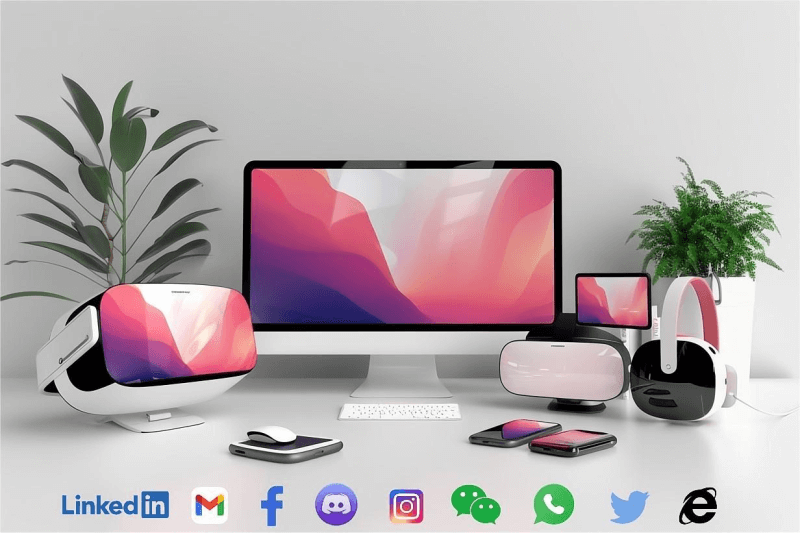
You can present panoramic tours on a wide range of devices, from computers and TVs to smartphones, tablets, VR glasses, and VR headsets, providing an immersive experience across all platforms.
You can share panoramic tours directly with friends on various messaging platforms such as email, Twitter, Facebook, LinkedIn, Instagram, and other chat apps, allowing them to view it instantly.